
Before you begin
Use a clear field photo and keep the tape measurement associated with the exact points used for calibration.
- 01
Capture edge to edge
Include counter, upper cabinets, outlets, and every termination point.
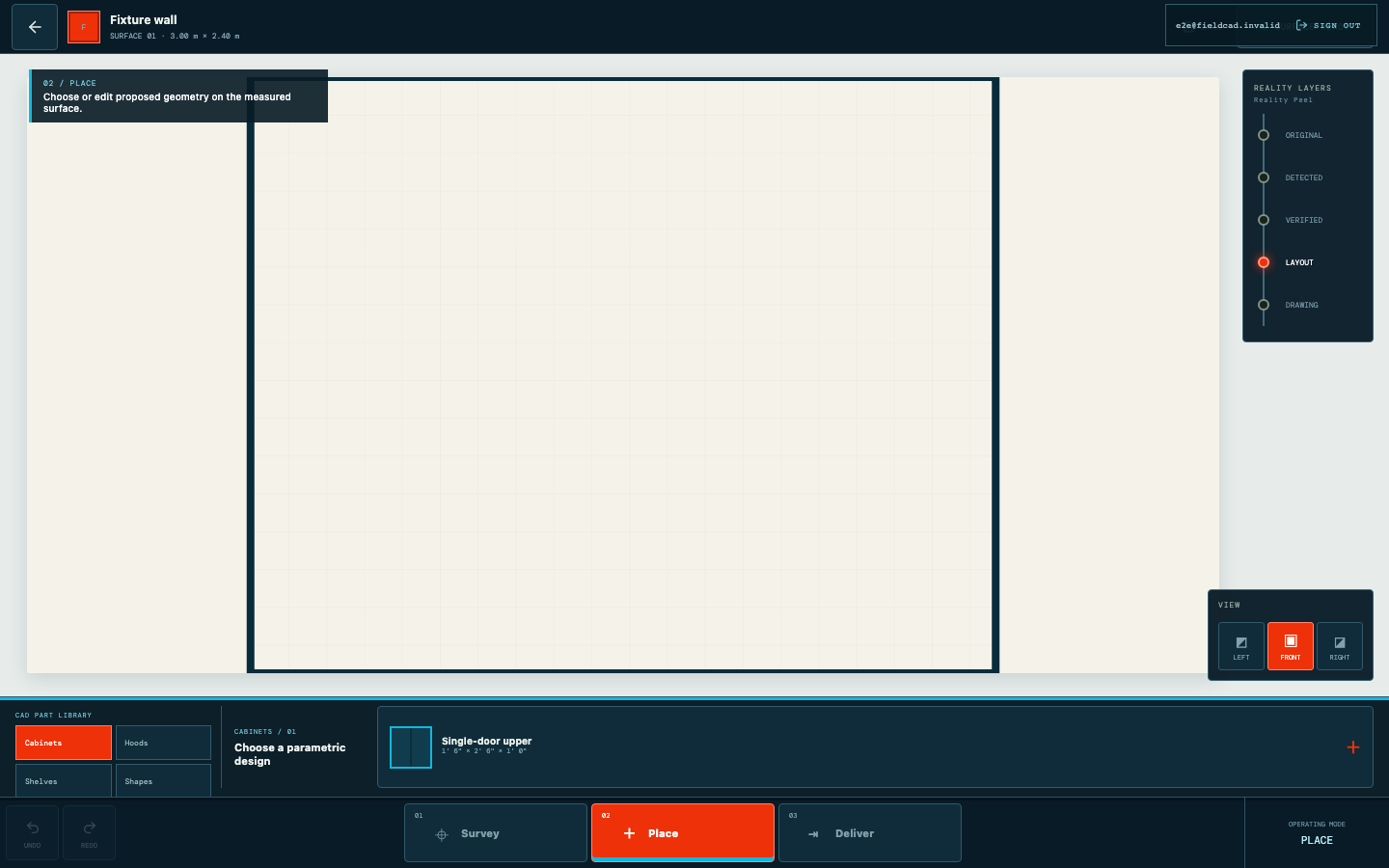
Automated capture from the current product workflow. - 02
Verify the working width
Calibrate from a tape-measured span on the backsplash plane.
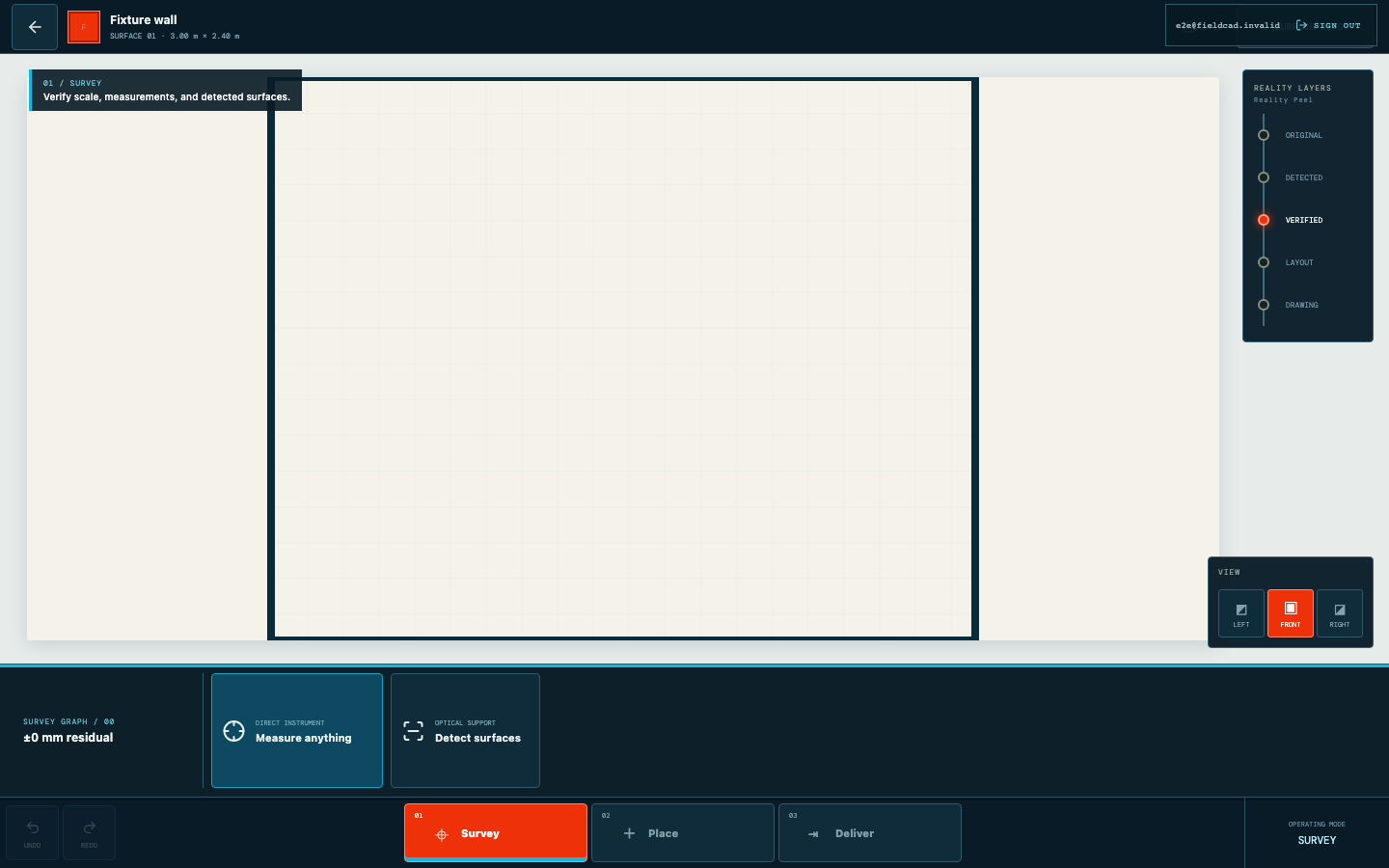
Automated capture from the current product workflow. - 03
Mark openings and datums
Record outlets, switches, corners, and the reference line that controls the layout.
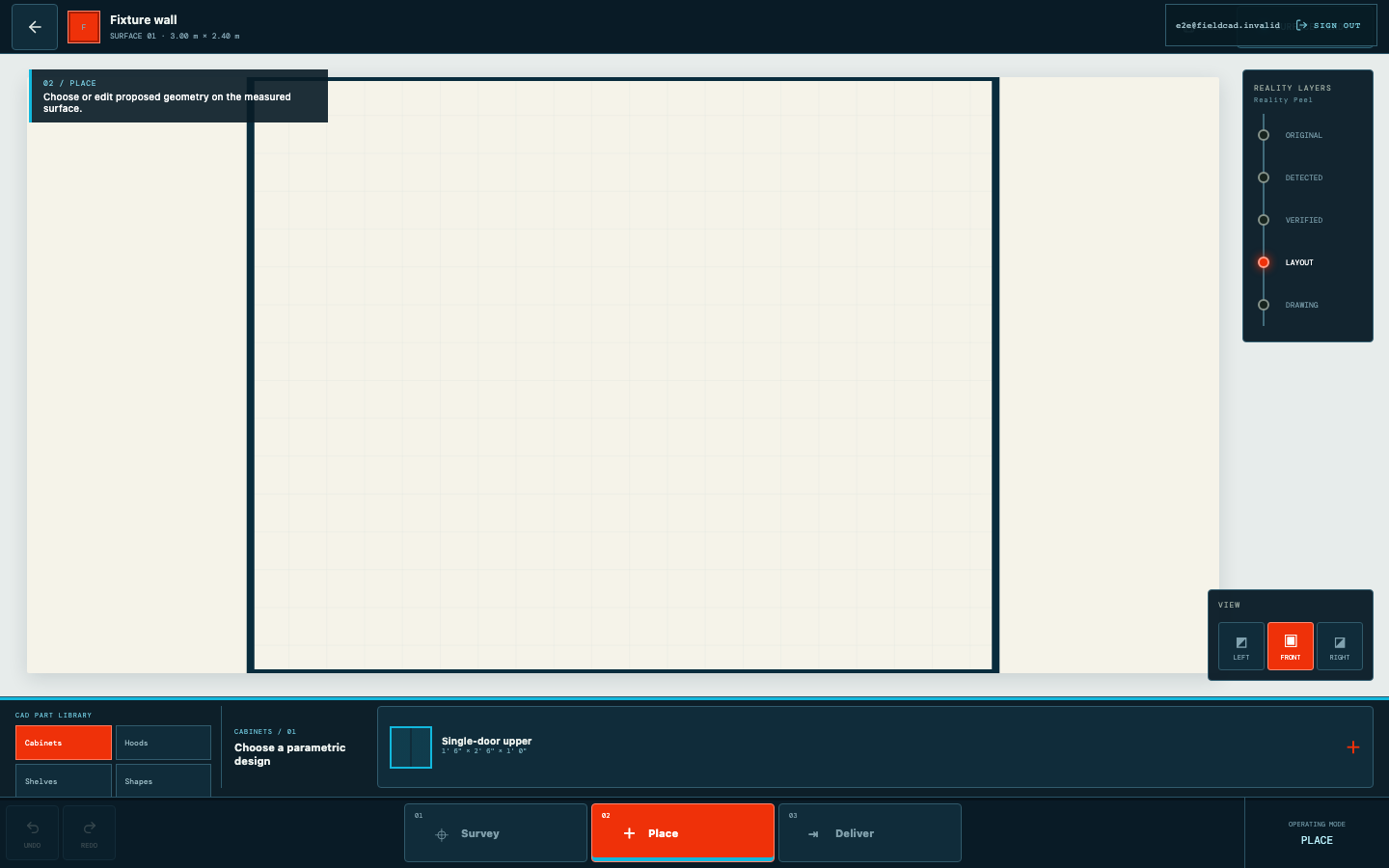
Automated capture from the current product workflow. - 04
Export an installer sheet
Review warnings and generate a dimensioned PDF for field use.
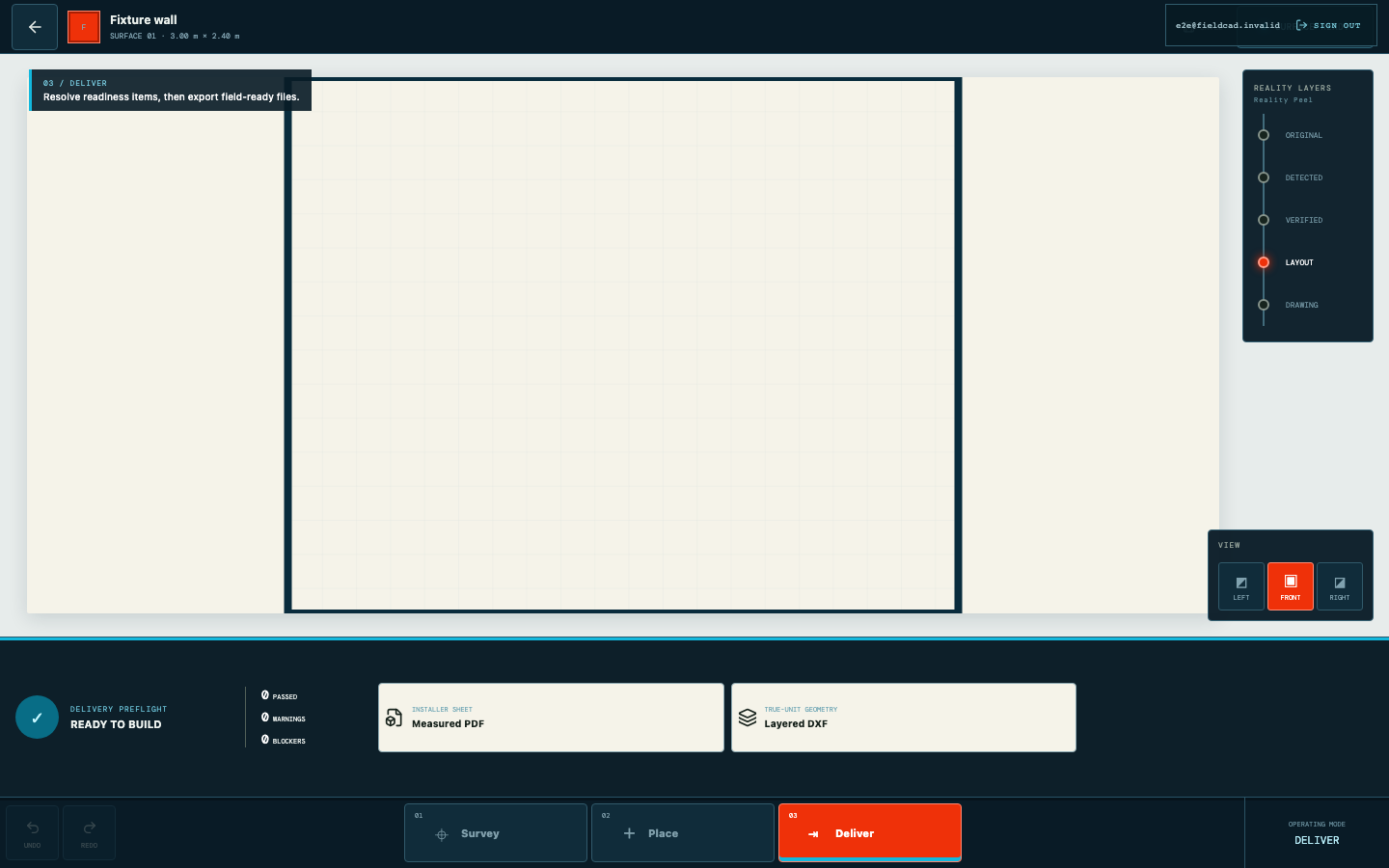
Automated capture from the current product workflow.