Before you begin
Use a clear field photo and keep the tape measurement associated with the exact points used for calibration.
- 01
Complete delivery preflight
Resolve blockers and acknowledge any field notes that remain.
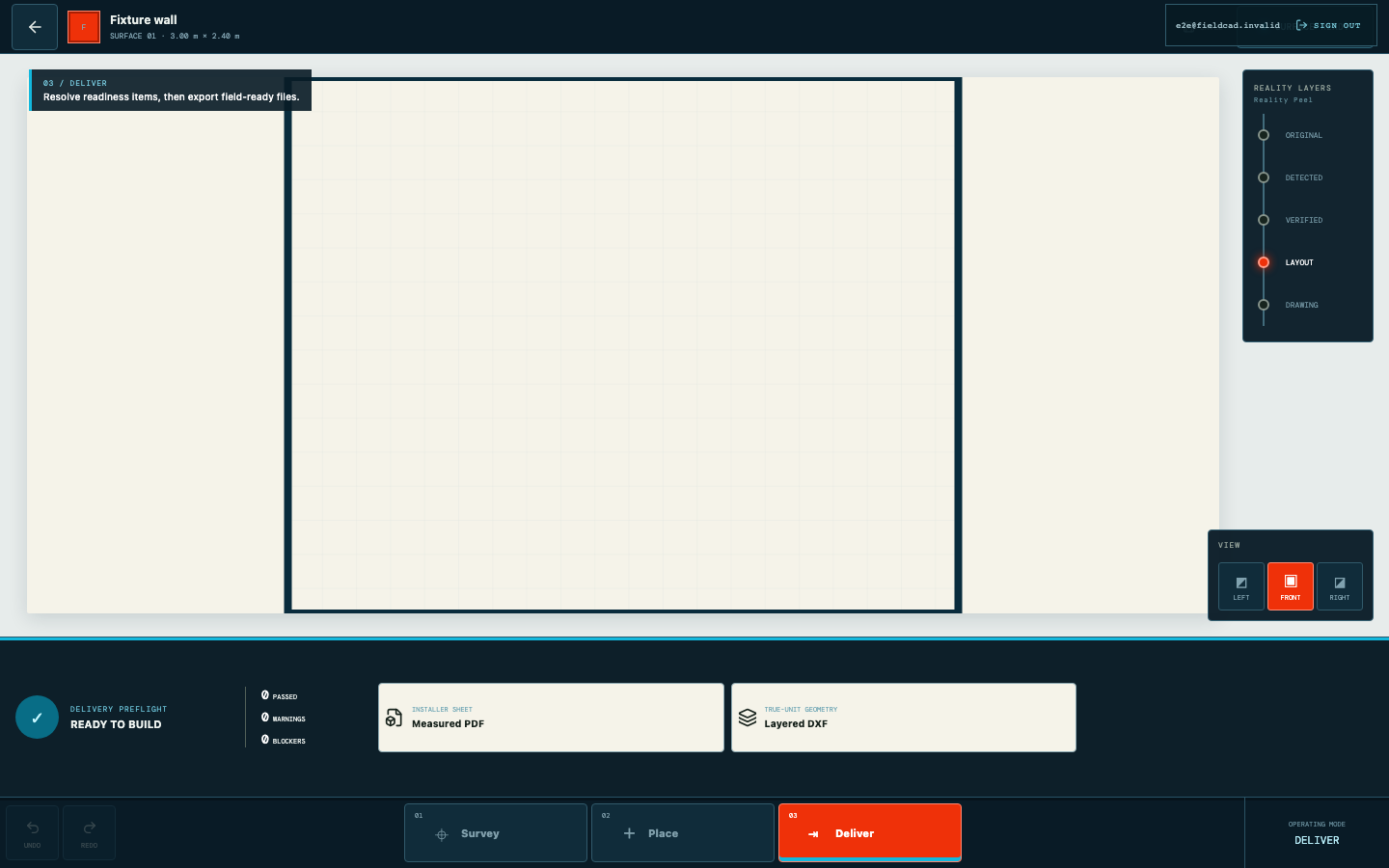
Automated capture from the current product workflow. - 02
Generate the layered DXF
Export true-unit geometry only after the measured surface is ready.
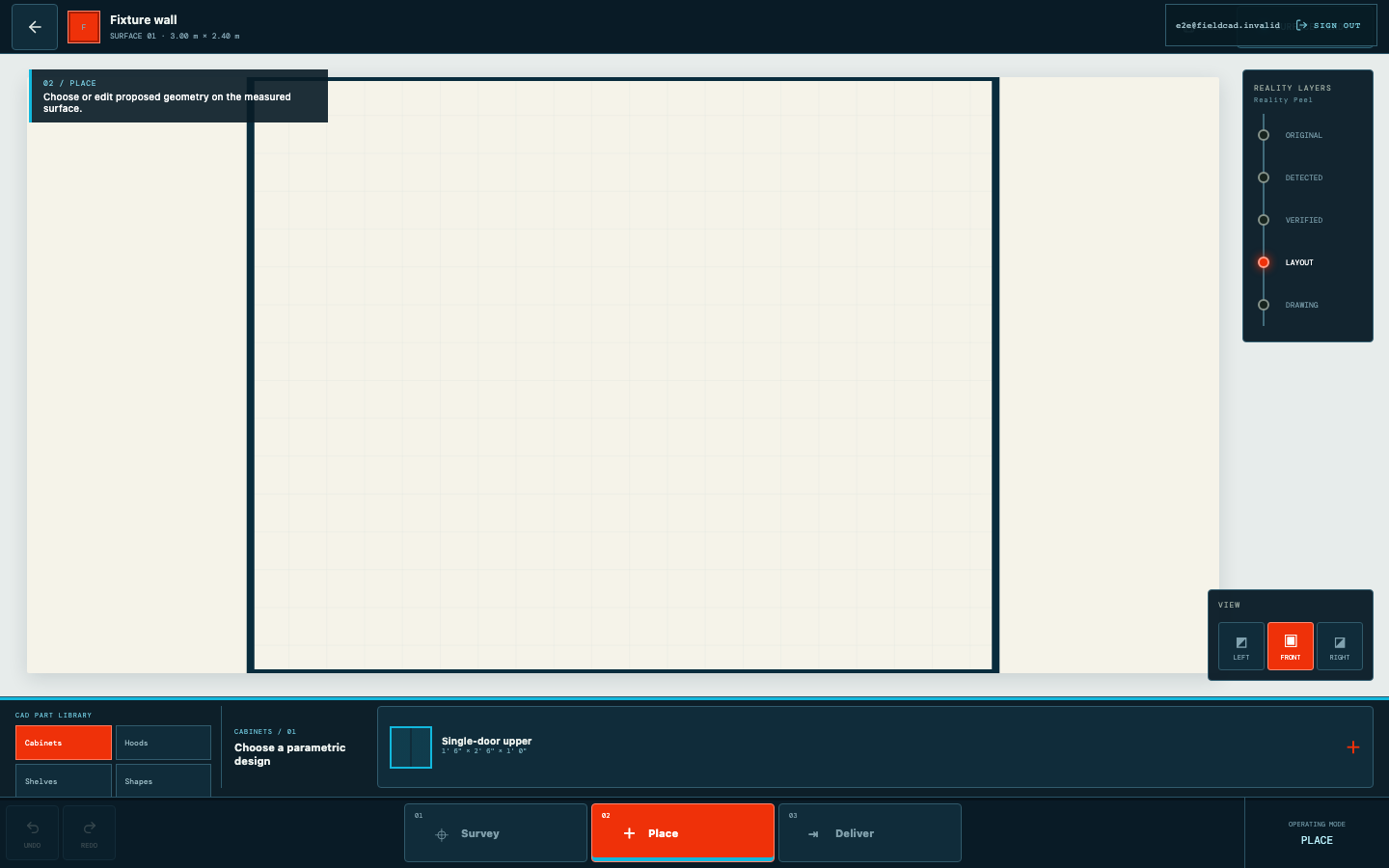
Automated capture from the current product workflow. - 03
Open at real scale
Import the file without rescaling and confirm the documented units.
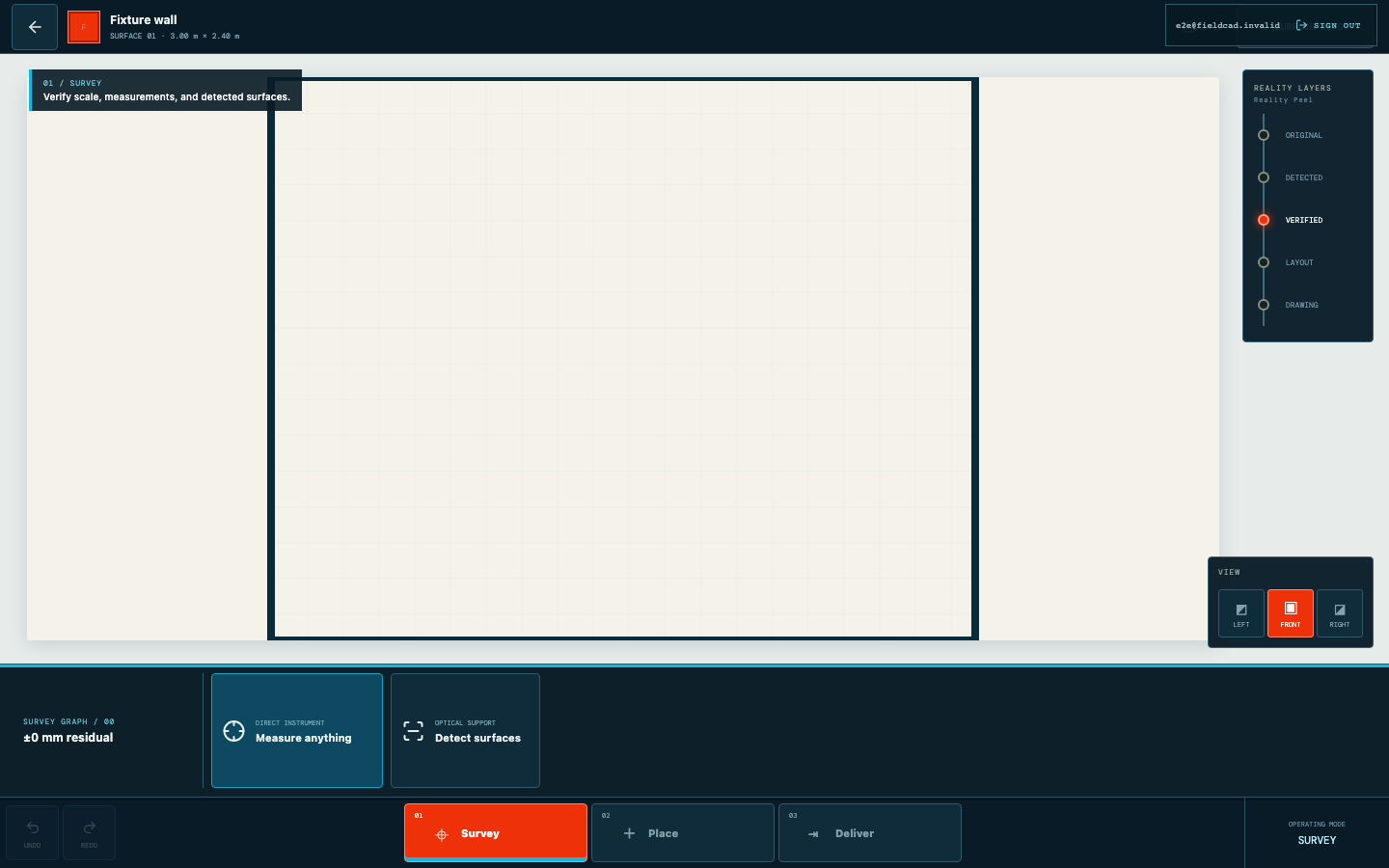
Automated capture from the current product workflow. - 04
Pair it with the PDF
Send a human-readable installer sheet alongside the editable CAD geometry.
Automated capture from the current product workflow.